UGC creatives tested by hook, creator and format
UgcProduction tests UGC creatives by tagging every live ad with its hook, creator and format, using a read-only connection to Meta and TikTok ad accounts. Performance marketers and agencies see which hooks and creators actually drive results, catch creative fatigue before spend is wasted, and turn one real creator recording into new hook variants for the next round. Performance tagging is included on Growth, Scale and Enterprise.
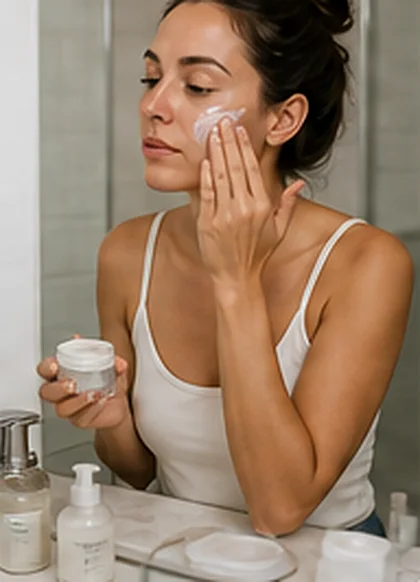 0:28
0:28
Performance tags
-
Stop scrolling if your skin feels tight
Creator A, Problem and solution Scaling
-
I tried this for 14 days
Creator B, Testimonial Testing
-
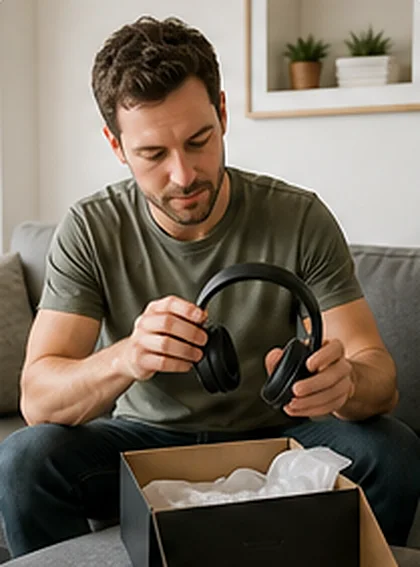
What arrived in the box
Creator C, Unboxing Paused
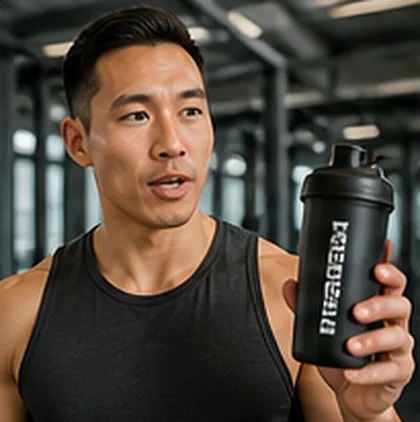 0:31
0:31
Tag each ad by hook, creator and format
A UGC ad is a bundle of decisions: the first line, the person on camera, the format and the edit. When results come back as one number per ad, nobody knows which decision worked. UgcProduction keeps the production data attached to each asset, so when an ad runs on Meta or TikTok, the tags already exist.
- Hook tag, taken from the hook chosen in the brief or the hook swap applied in editing
- Creator tag, linked to the creator profile who filmed the asset
- Format tag, such as Testimonial, Unboxing or Problem and solution
- Aspect ratio and length, taken from the delivered file
- Read-only access, so UgcProduction never edits campaigns, budgets or ads
 0:24
0:24
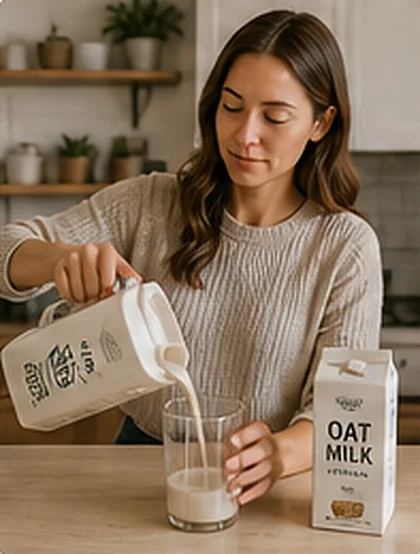 0:31
0:31
Hook testing for UGC ads
The first seconds decide whether a viewer stops scrolling, so the hook is the cheapest part of a UGC ad to test and often the one that moves results most. UgcProduction plans hook tests at the brief stage: the brief builder writes several hook options, the creator films the body once plus the alternative openings, and editing produces one variant per hook with the same body.
- 1 One body, several openings, so the test isolates the hook
- 2 Hook variants named consistently, so tags match across Meta and TikTok
- 3 Captions and on-screen text matched to each hook
- 4 Exports in 9:16, 4:5, 1:1 and 16:9 for each variant
See how lengths and openings are set on UGC video ads.
0:24
0:31
Spot creative fatigue before it eats the budget
Paid social creatives tend to fatigue within weeks as the same audience sees the same ad again and again. Results slide gradually, and by the time someone notices, part of the budget is already spent on an ad that stopped working. Tagged ads make fatigue visible per hook and per creator, not only per ad, so the team knows whether to refresh the opening, change the creator or switch the format.
- Trend of results per tagged ad over time
- Grouping by hook, so a tired hook shows across all ads that use it
- Grouping by creator and format, for the next casting decision
- A clear signal for when to start the next production
The winning hooks and creators report
The report ranks hooks, creators and formats by the results your ad accounts return, using the metrics you choose. It answers the questions a creative strategist asks every month: which opening lines keep working, which creators to book again, which formats to brief more of, and which to drop.
| Report view | What it shows | What you do with it |
|---|---|---|
| Hooks | Results grouped by hook across all ads | Reuse winning openings in the next brief |
| Creators | Results grouped by the creator on camera | Invite the strongest creators to the next casting |
| Formats | Results grouped by format | Shift the mix toward the formats that sell |
| Fatigue | Ads with results sliding over time | Queue hook swaps or a new production |
-
Hooks
- What it shows
- Results grouped by hook across all ads
- What you do with it
- Reuse winning openings in the next brief
-
Creators
- What it shows
- Results grouped by the creator on camera
- What you do with it
- Invite the strongest creators to the next casting
-
Formats
- What it shows
- Results grouped by format
- What you do with it
- Shift the mix toward the formats that sell
-
Fatigue
- What it shows
- Ads with results sliding over time
- What you do with it
- Queue hook swaps or a new production
Enterprise adds API access to tags and reports for teams that want the data in their own dashboards. Compare formats on UGC style ads.
AI hook variants from one real creator recording
Refreshing a fatigued ad does not always need a new shoot. The AI studio writes new hook lines and edit variants for an approved recording, and the creator records short alternative openings or the editor recuts the existing footage. The face, voice and product handling stay real, which is what makes UGC creatives convert, while the opening changes often enough to keep the ad fresh. Read more on AI UGC.
- New hook lines written from the original brief and the winning hooks report
- Edit variants with different openings, pacing and captions
- Tagged as new hooks, so the next report compares them
- Within your plan limit of AI scripts and hook sets per month
 0:24
0:31
0:24
0:31
Performance tagging is on Growth, Scale and Enterprise. Enterprise adds API access. Starter includes every production module except tagging, whitelisting and Spark Ads permissions and AI avatar videos. See UGC pricing.
No. The connection to Meta and TikTok ad accounts is read-only. UgcProduction reads results and lets you tag ads, but it never edits campaigns, budgets, audiences or ads.
Yes. You can tag any ad in a connected account by hook, creator and format, so older creatives appear in the same report next to new productions.
It depends on spend and audience size, but paid social creatives tend to fatigue within weeks. The fatigue view shows when results slide, so you refresh on data instead of a fixed calendar.
Find the hooks that sell
Connect your ad accounts on Growth and see which hooks, creators and formats deserve the next brief.